
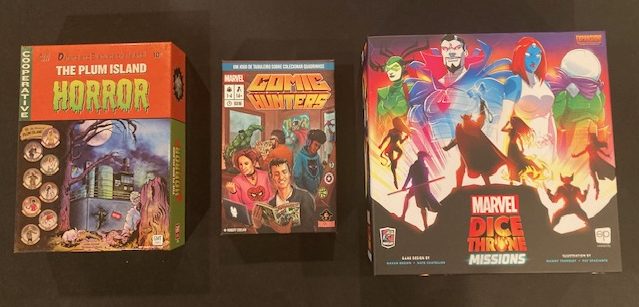
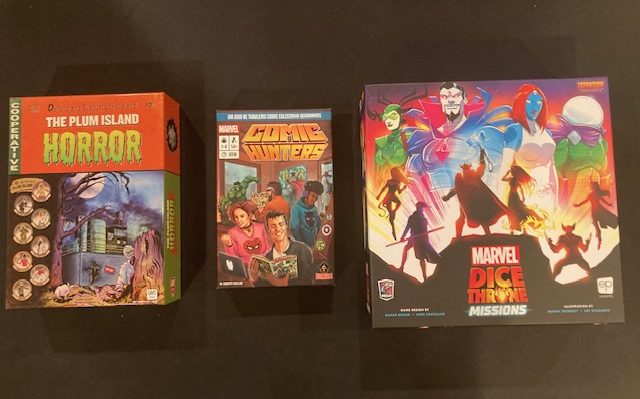
What do the three games above have in common?
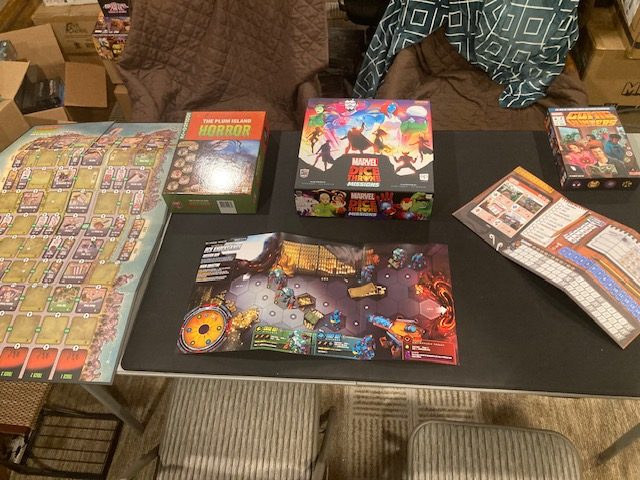
If you said “They are all cooperative games“, well, you are mostly correct! (Comic Hunters isn’t cooperative by default, but there is an expansion that makes it cooperative! See here). This is a place where we talk about cooperative games, so that’s a good guess. But there’s something else they all have in common: none of their boards sit flat! See above and below!
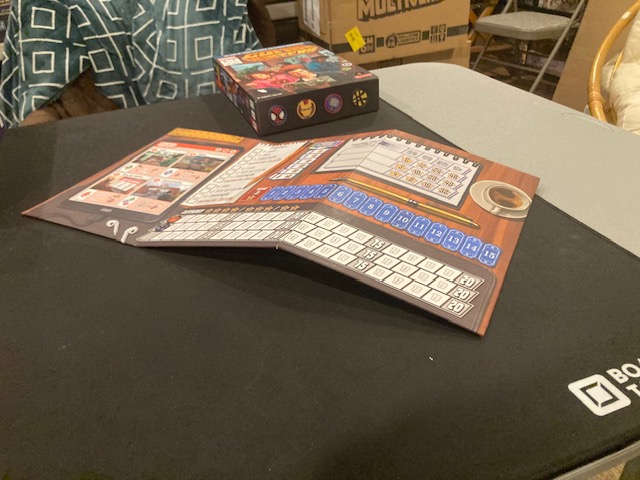
You can really see it on Comic Hunters (above): that board just does NOT want to lay flat!
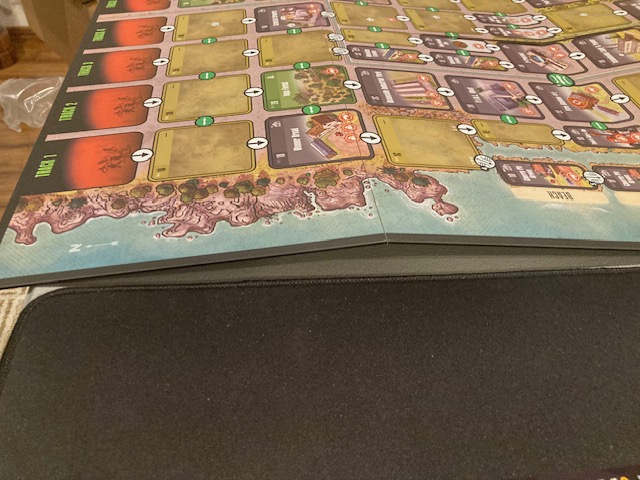
It’s weird, we never thought too much about boards not being flat enough, but we encountered this problem a number of times in the last few years: Comic Hunters, Plum Island Horror, and Dice Throne: Missions! These games really emphasized that sometimes a game board needs some flattening.
We’ll take a look at three different (cooperative) games and three different solutions to this problem! The games of interest all have boards that don’t lay flat! And they are all different sizes! See above!
- Plum Island Horror: Very large 8-fold board
- Dice Throne: Missions: Medium size 3-fold laminated sheets
- Comic Hunters: smaller 3-fold board
Solution 1: Board Butler
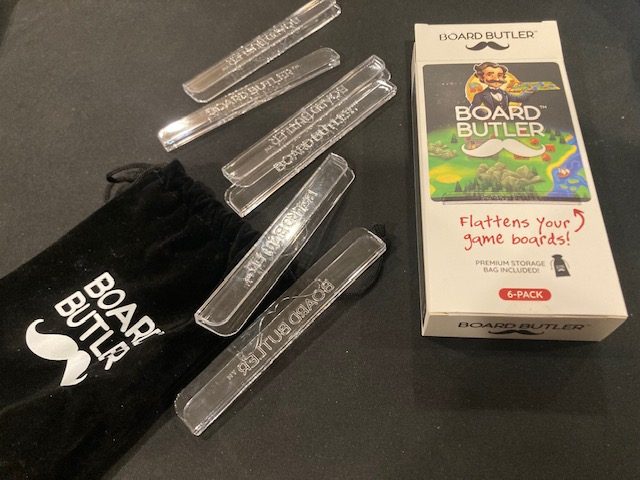
The Board Butler is a product specifically designed for the problem of boards-that-don’t-lay-flat. I have seen advertisements on BGG, so I knew this existed. I ordered it from their web site and it arrived within a week. It was like $19.99 + taxes and some shipping (but for some reason I got free shipping).
These are basically little plastic piece you put at the edges to force the board flat.
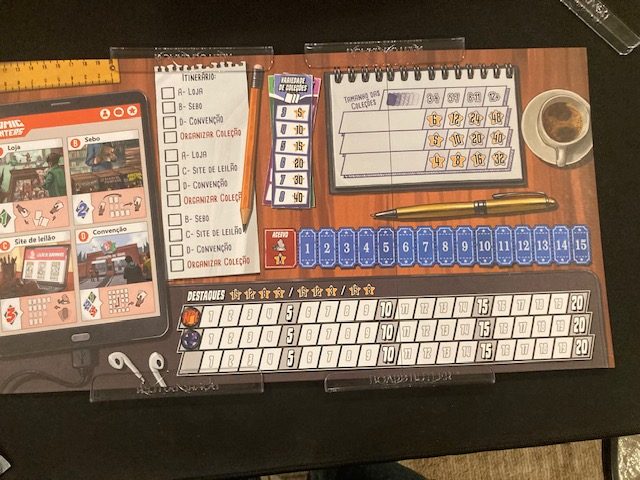
See Comic Hunters with The Board Butler above. It only needs 4 of the 6 pieces.
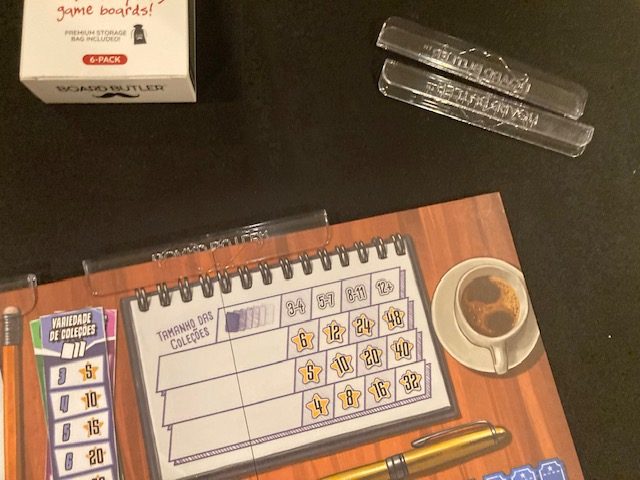
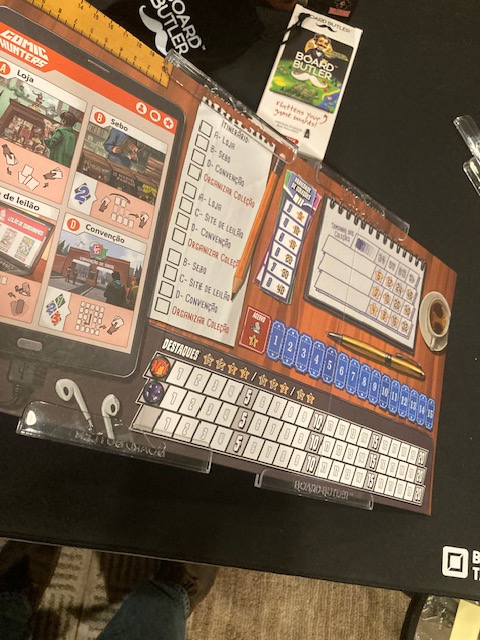
It works pretty well and it was easy to put on: no issues on Comic Hunters.
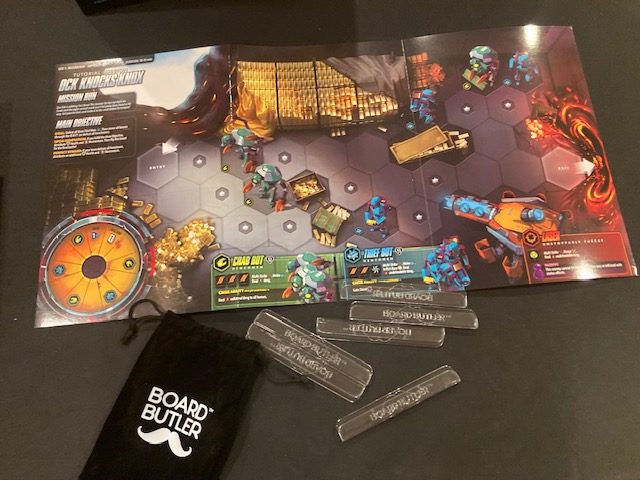
The Board Butler pieces are small enough that I need 4 pieces for the Dice Throne:Missions board: one at each edge.
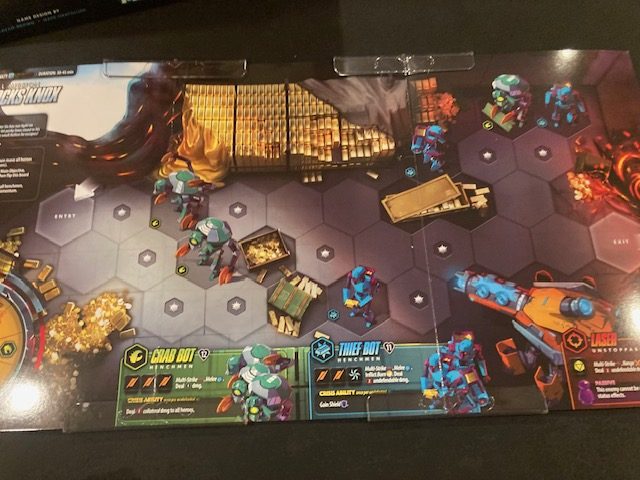
See above. The clear nature makes them relatively uninvasive.
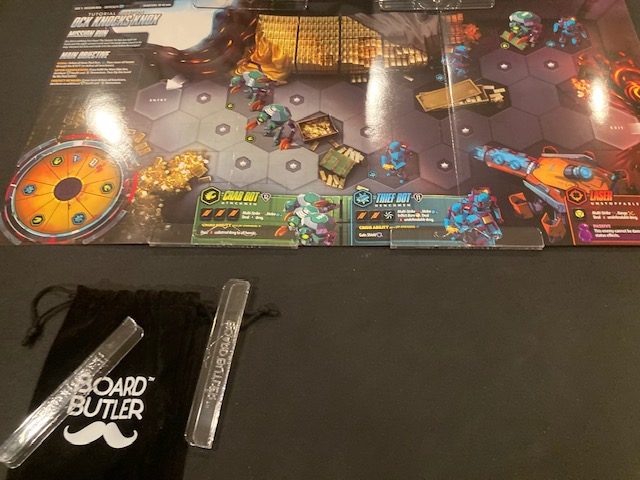
They work well and keep the board flat. Arguably they could obscure the text at the very bottom, but they don’t seem to.
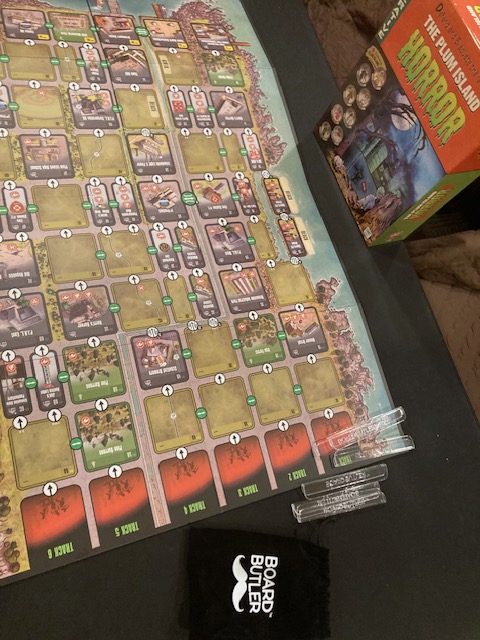
Finally, let’s look at Plum Island Horror!
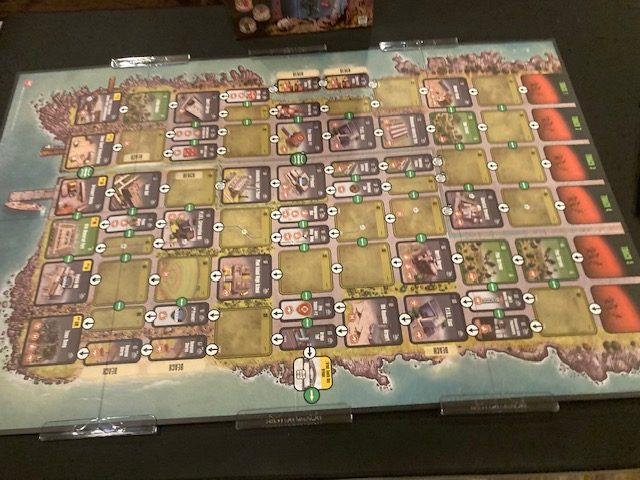
For Plum Island Horror, we have to use all 6 of the pieces, which means I can’t put them on the long ends. This doesn’t strictly need another 2 pieces, but it might have been nice.
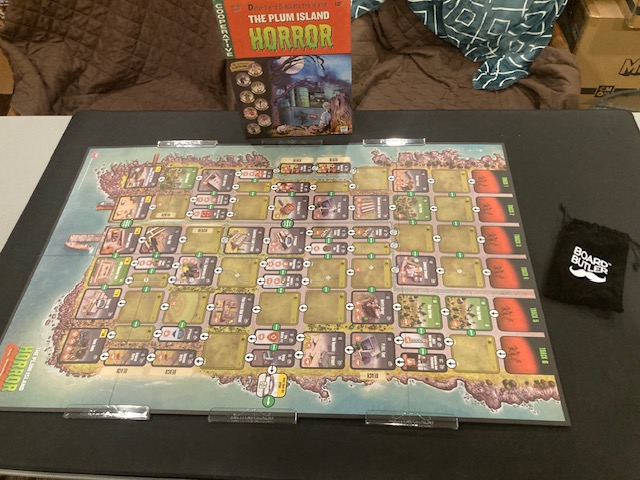
The Board Butler pieces work well: they hold the board down, and they don’t get in the way.
Basically, The Board Butler worked pretty well on all three games. The weakest was Dice Throne: Missions because the Missions boards are thin laminated boards, so they didn’t fit as tight. They fit securely (but not too tight) on Comic Hunters and Plum Island Horror.
Solution 2: Report Binding Bar
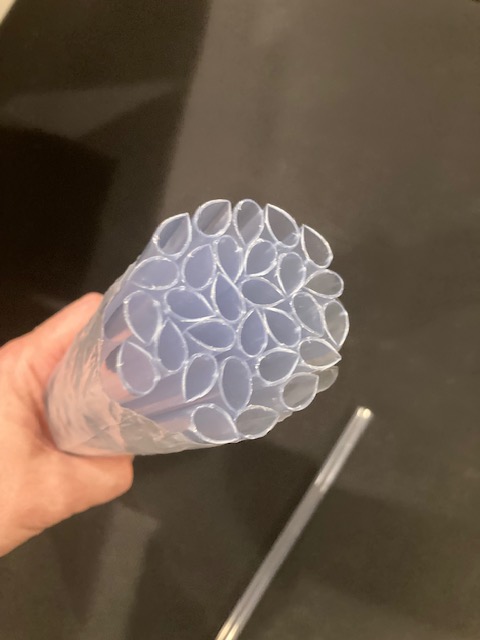
These Report Binding Bars are those little plastic sliders you put onto plastic report sheets. See above and below.
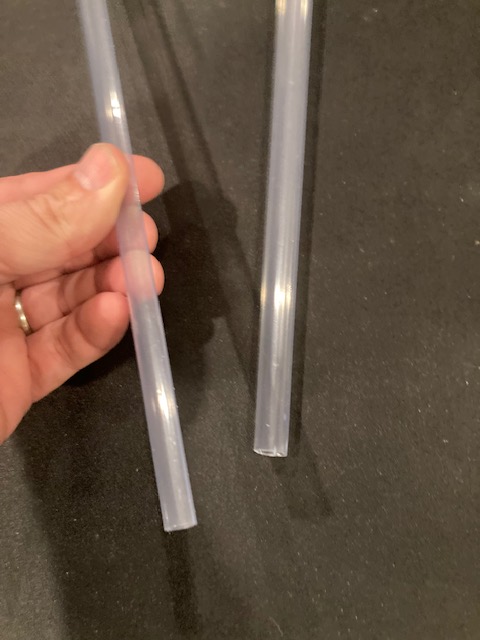
I found a thread on BoardGameGeek that recommended these: see thread here. You can order them here: I got 30 of them for $13.99 plus taxes and shipping. See above.
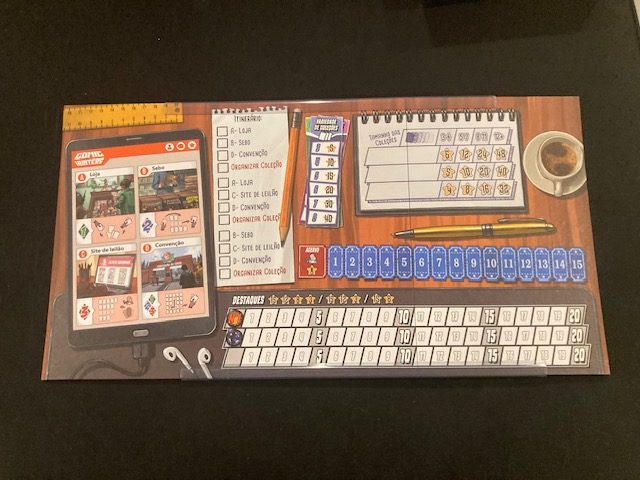
On Comic Hunters, they work great! They are actually being long enough to cover both edges!
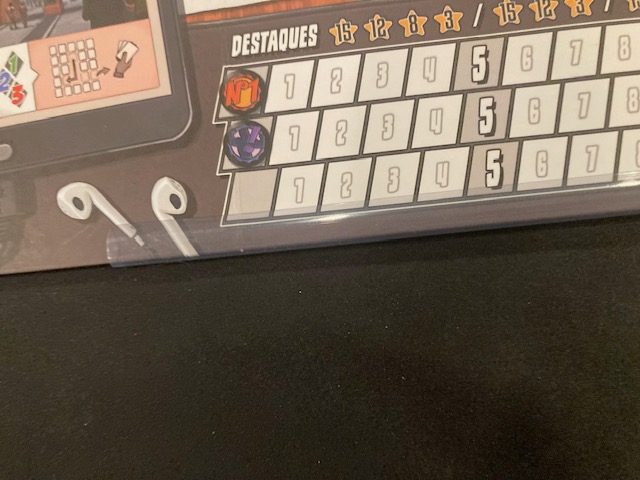
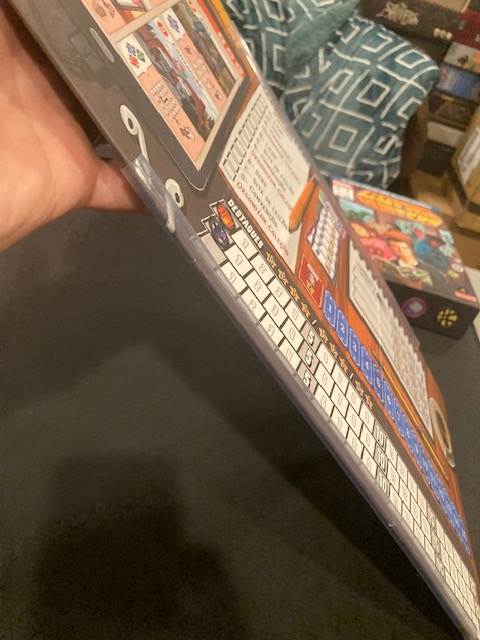
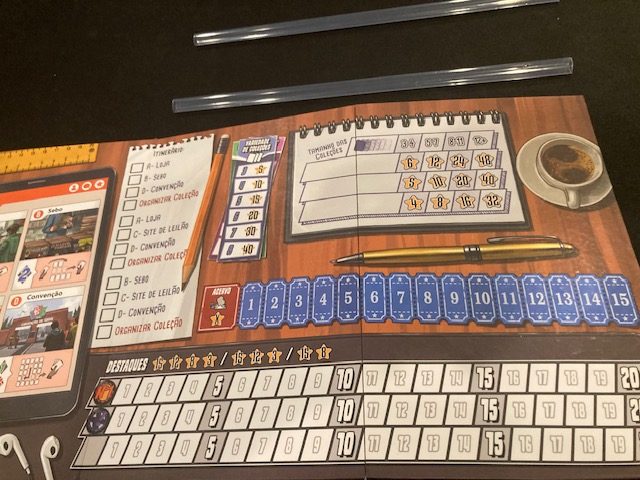
The only real complaint is that they are tight. I was “worried” that by sliding them on, that they would TEAR the board! They did not, but I was also very careful! If you go with this solution, you may want to use your finger to “force” the bar open so it’s less tight:
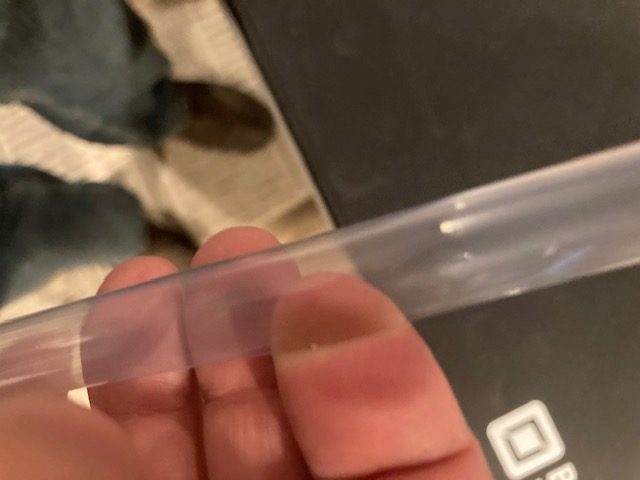
See above as I jam my finger in there to “loosen” it up.
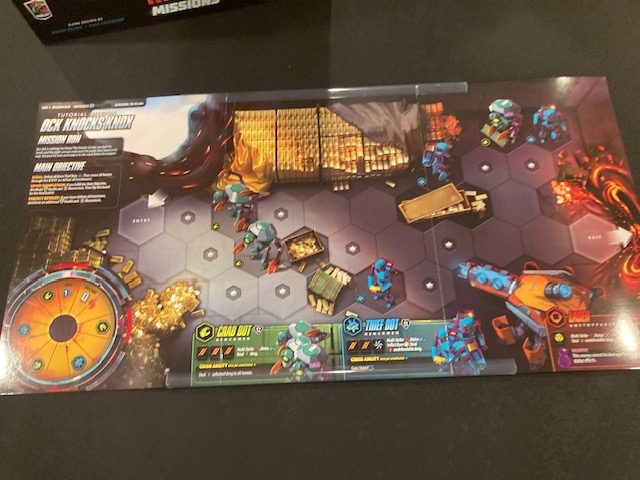
On Dice Throne: Missions, these are the best by far! They hold the board tight, and they even cover both edges with one piece! See above! I only needed 2 of the 30 pieces to hold this board together!
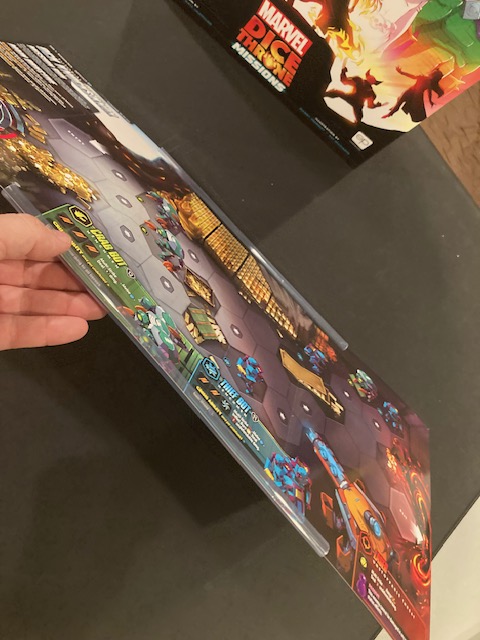
These just slip on easily (no chance of tearing since the boards are laminated) and hold the boards stiff and flat.
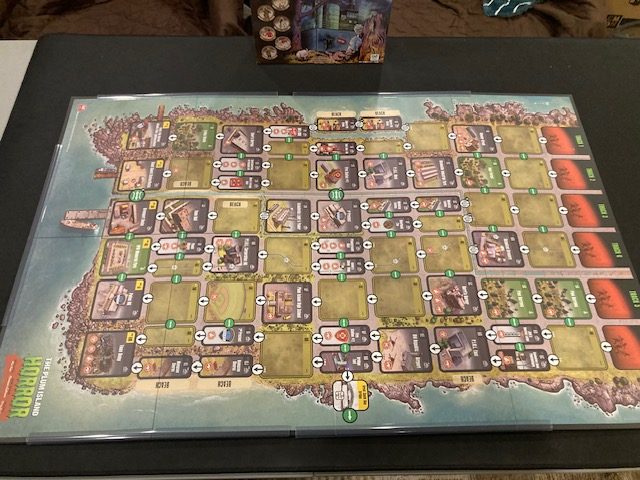
Finally, we use these for Plum Island Horror. We need 4 of them to hold the board down: see above. Again, like Comic Hunters, these were a little scary to use because it “felt like” they might tear the board as I put them on. So, I was very careful.
In all three cases, these held the board down and flat very tightly. They were the cheapest by far, at 30 for $13.99, so you could easily share the cost with friends. You probably only need to 6 each! Even with with Plum Island Horror, you could get by with only 4!!
UPDATE: After sliding these on again and again and again on the Dice Throne: Missions boards, they started to show “slide marks”. That is worrisome.
Solution 3: Giant Plastic Overlay
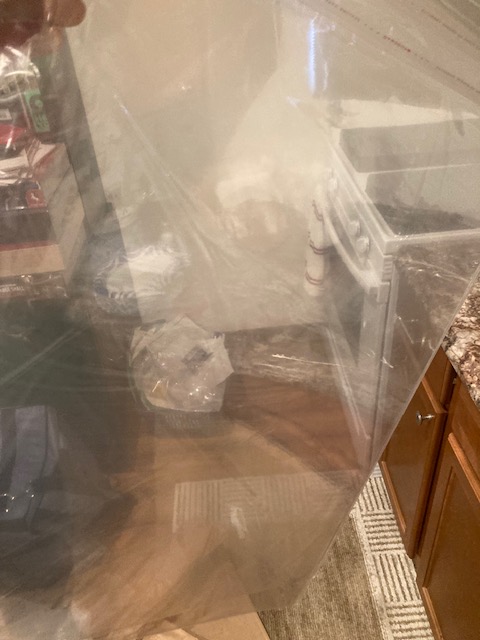
From the same thread on BGG where we got the Report Binding Bar, we also found a link for these giant pieces of plastic you can just “plop” on the board and force it down! See Amazon link here! You get TWO pieces, but it’s $37.99 plus shipping and tax.
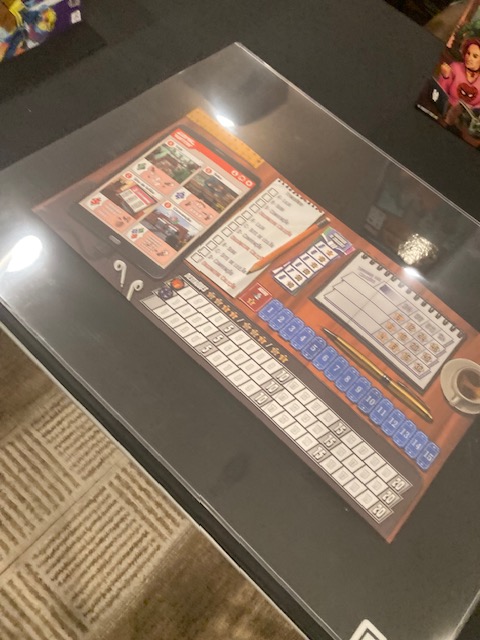
You just put it over your board game and “smoosh” it flat!
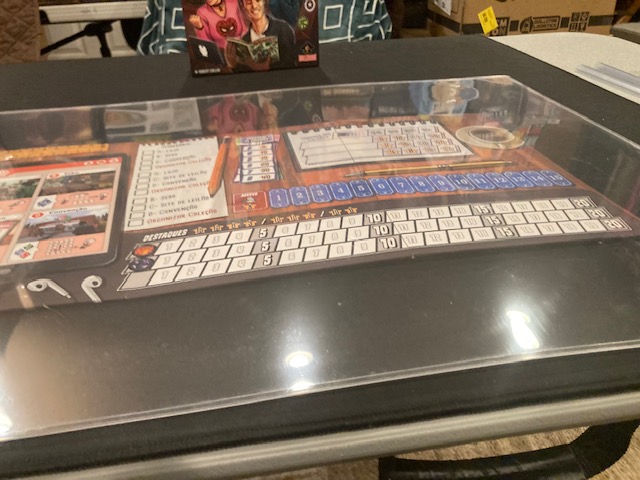
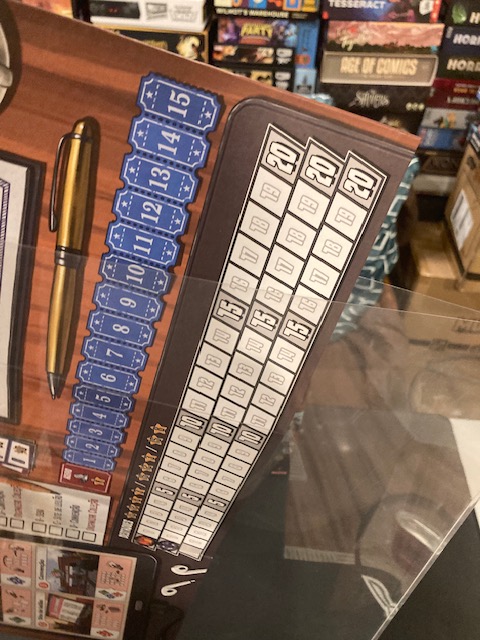
It turns out it also has a pocket, so if your game fits, you can just put the board inside! See above as Comic Hunters fits!
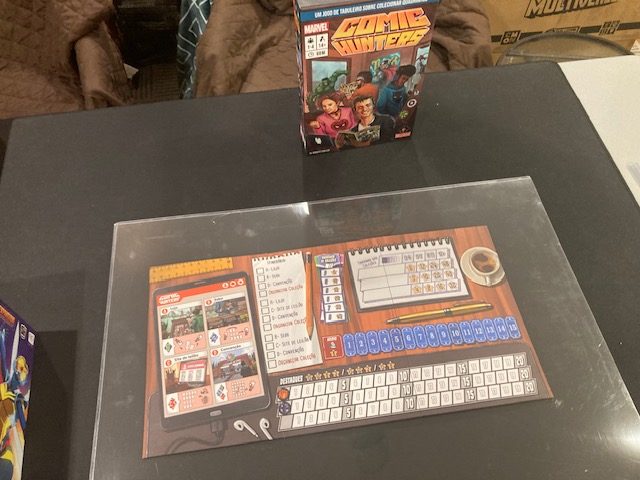
It works, it keeps Comic Hunters flat, but the plastic overlay is a bit distracting. It’s especially shiny.
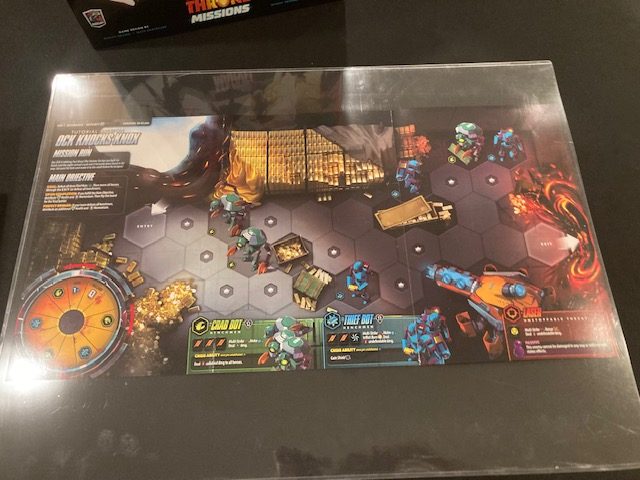
The Dice Throne: Missions boards fit in almost perfectly and look good and flat. See above.
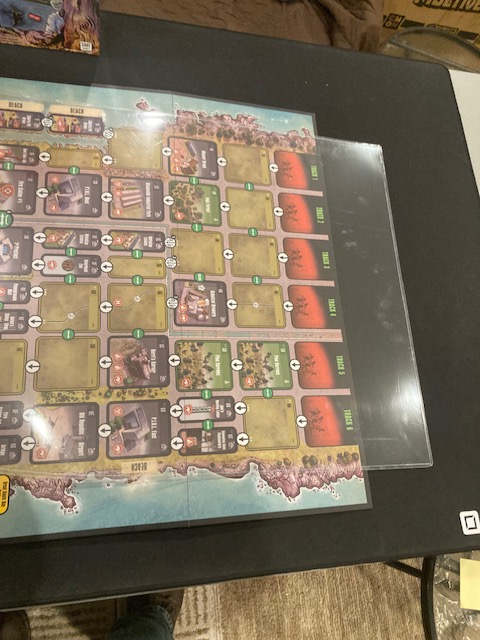
Plum Island Horror is WAAAY to big for a single overlay. Luckily, when you order this, you get TWO sheets. Two sheets work:
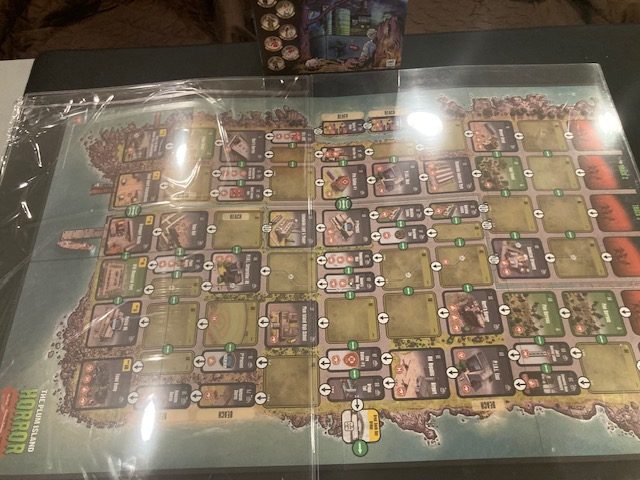
The problem is you CANNOT fit this board inside the envelope (see above) , so they simply have to lay two of them on top. Since the Plum Island Horror board is so “hefty”, even this solution had trouble keeping the board flat.
In general, this was the worst solution. It was the hardest to see, because it was so reflective, and it was by far the most expensive. And, for the largest board, it required TWO Sheets.
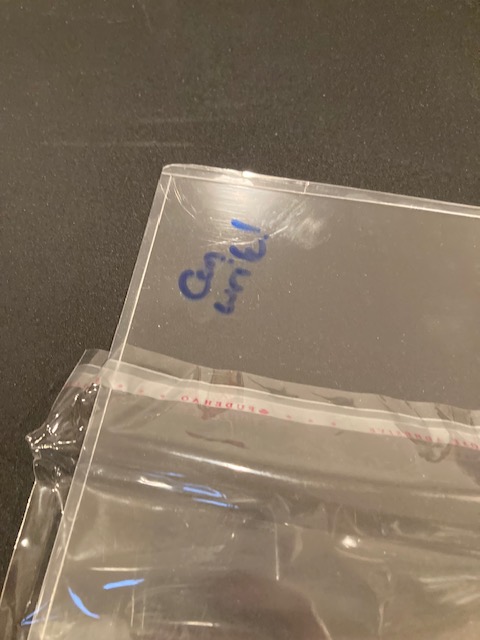
The only advantage of this solution is that you can WRITE ON THE PLASTIC with a dry-erase marker!! See above. If you want to “annotate” your boards, at least you can do that with the overlays.
Conclusion
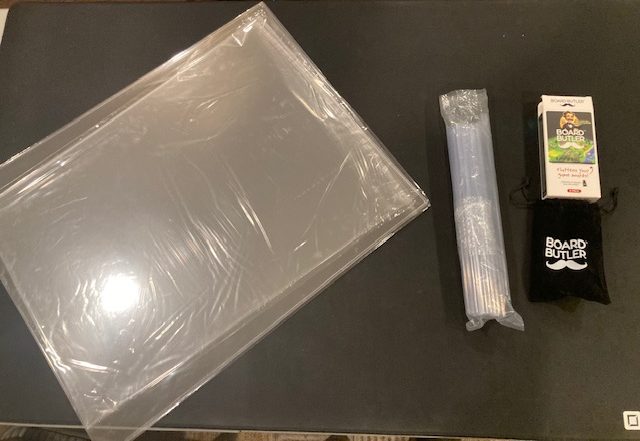
Which solution you gravitate towards depends on what you want! The cheapest by far was the Report Binding Bar: it worked on all three boards well, except that it was tight on the thicker boards. You could order 30 of them and split them between your friends for $13.99! The best overall solution was The Board Butler; it worked on all boards well, even if it wasn’t “quite as tight” for the Dice Throne Missions board. The Board Butler was high-quality and I never felt like it was too tight. The Overlay was probably the weakest solution: it was the most expensive (as you needed two overlays for larger boards like Plum Island Horror), it was very reflective, and it is harder to store! The Overlay, however, did had the unique advantage that you could write on it if you needed to!
If I were only getting something to fix the Dice Throne: Missions boards, I might get the Report Binding Bars. If I wanted something more general, I would get the Board Butler. If I wanted to annotate my board with dry-erase markers or keep water off it, I might consider the overlay to help keep my board flat. It’s up to you.
UPDATE: After seeing the Report Binding Bars starts to leave skid marks on the Dice Throne: Missions board, I think I strongly prefer the Board Butler over the binding bar, even for Missions.
 coopgestalt
I had that problem with the cooperative Valeria Card Kingdoms expansion: I just had to gently fold the boards _in the wrong direction_ for them to “straighten out”. I never dreamed there were third party solutions!
LikeLike
I am glad you now know!
LikeLike